Web Account Lists
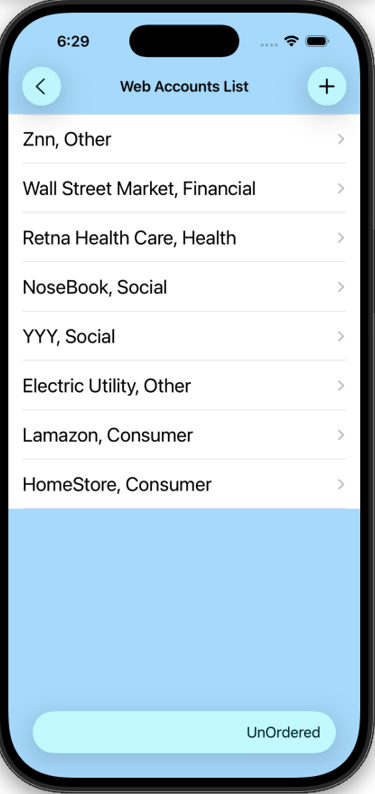
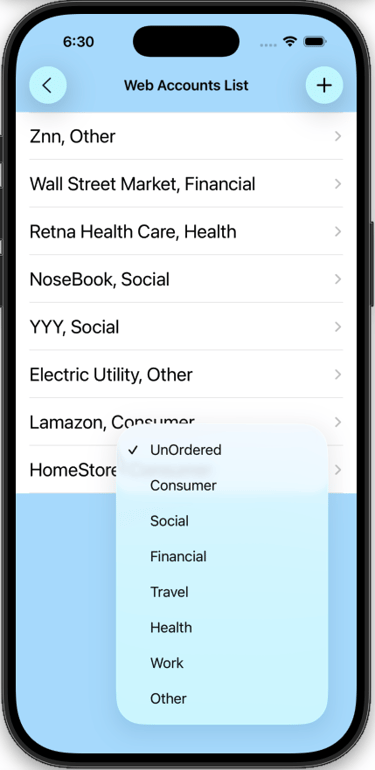
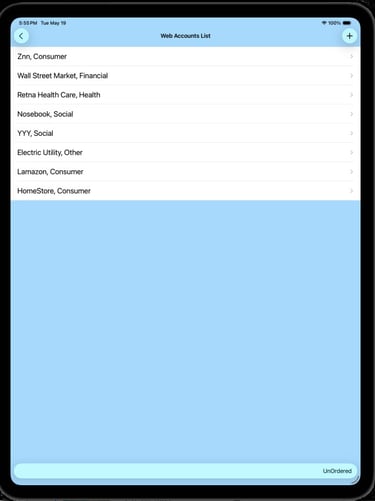
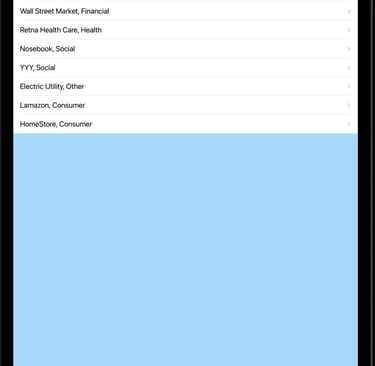
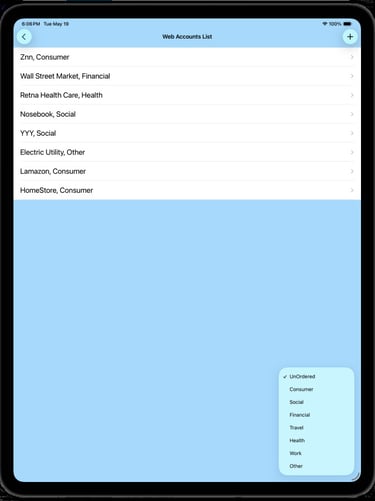
1) Web Accounts List Screen
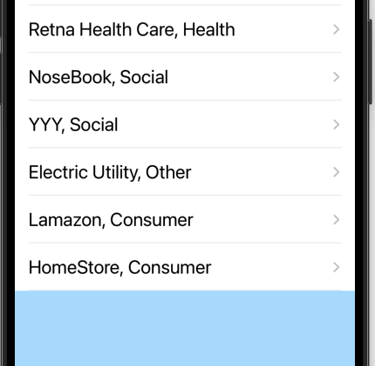
Navigate to a Web Account Detail - tap name in list.
Add a new account - tap the (+) button, see 3) below.
Return to Main Menu - tap the (<) button.
To delete a web account, drag account to the left.
2) Filter options
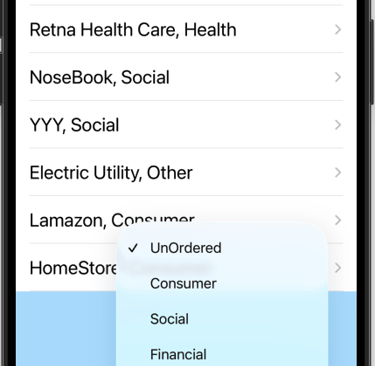
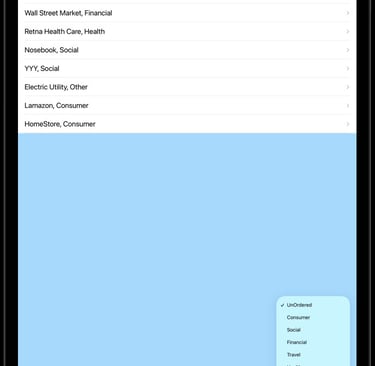
Click the button at the bottom labeled "UnOrdered"
A menu appears with filter options. Tapping one of the menu items will filter out everything but the category selected.
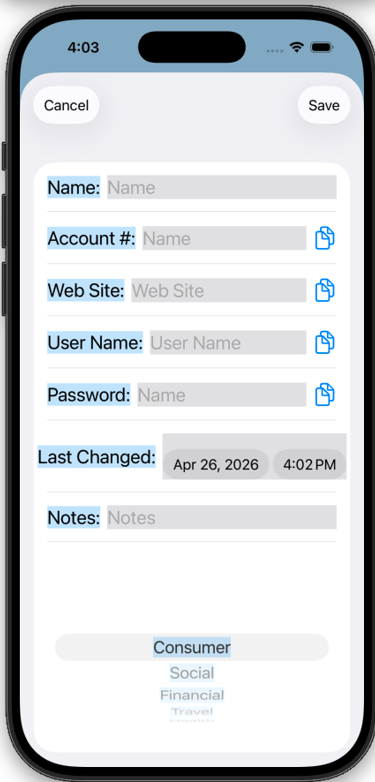
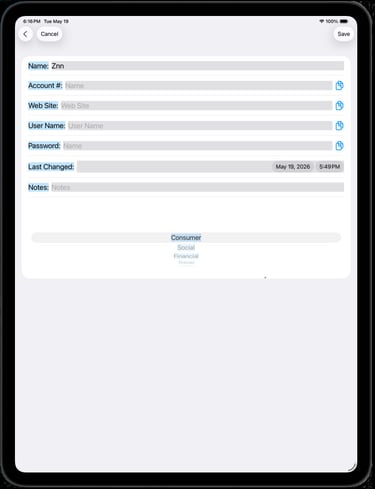
3) Web Account Detail View
Enter information in the appropriate text box.
Name - The name of Organization, Company, etc.
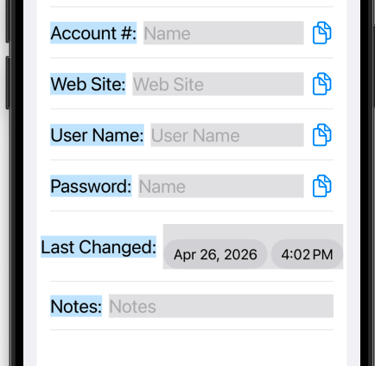
Account # - If there is one, enter account number
Web Site - Companies Web Site link
User Name - Web Site user name
Password - Web Site password
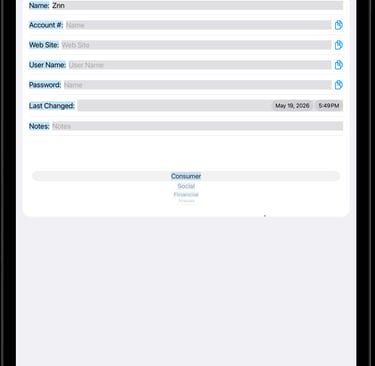
Last Changed - Date password was last changed
Notes - Any other information you want saved.
Filter - Scroll the picker up or down to select the filter category for this web site.
Contact
Questions? Reach out anytime, we're here.
support@zysygy.com
© 2026. All rights reserved.