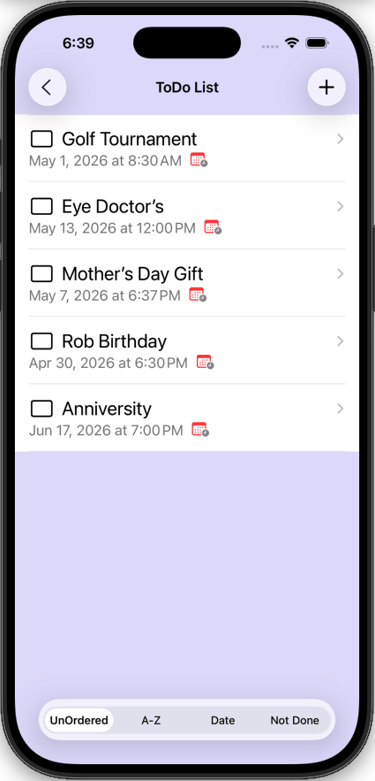
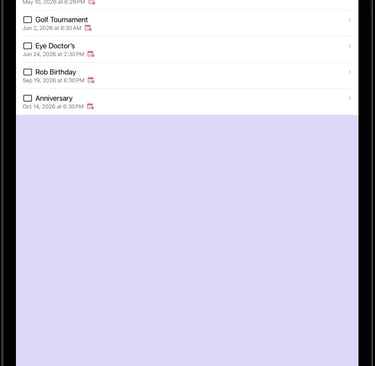
1) ToDo List Screen
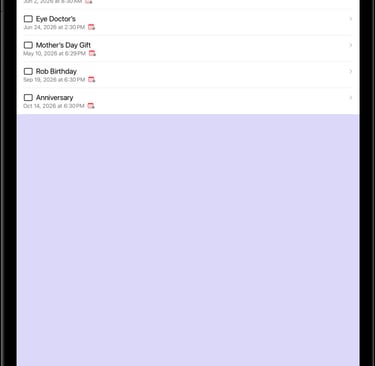
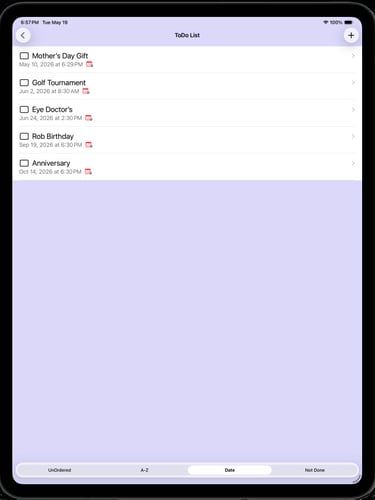
To navigate to a ToDo item Detail - tap name in list.
Add a Todo item - tap the (+) button, see 3) below.
Return to Main Menu - tap the (<) button.
To delete a ToDo item, drag item to the left.
ToDo List
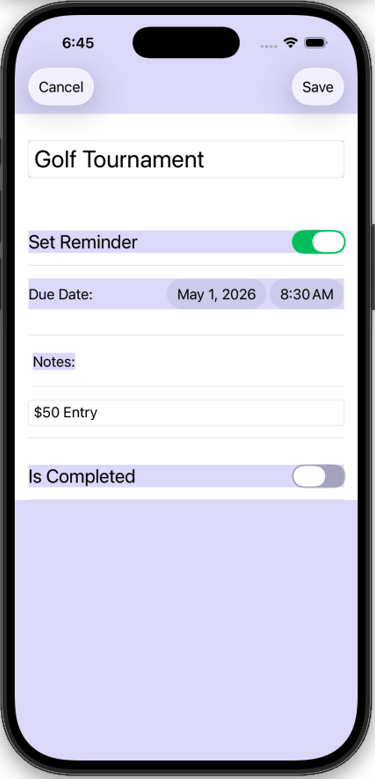
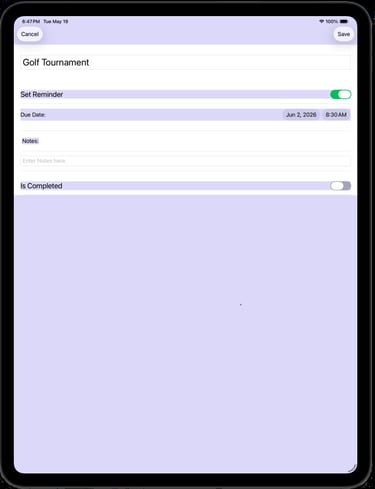
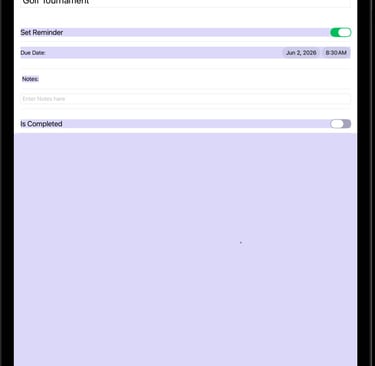
2) ToDo Detail Screen
Enter Item name in text box
Set Reminder Toggle button must be on to set a date/time
Enter any notes for Item
When Item is completed, Set reminder toggle button or delete
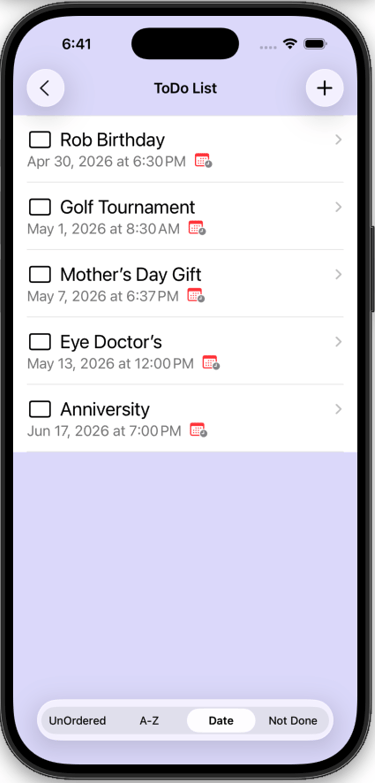
3) Sort Options
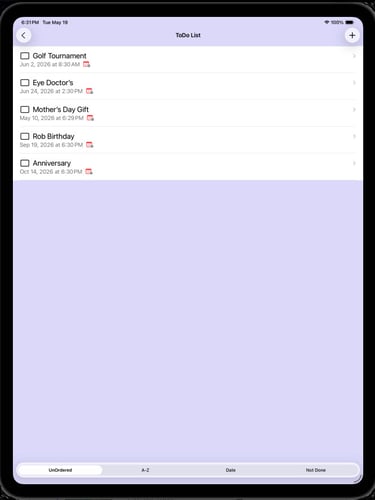
At the bottom of ToDo List screen there are buttons to sort the list alphabetically, by Date, or by Not Completed.
This screen is sorted by date.
Contact
Questions? Reach out anytime, we're here.
support@zysygy.com
© 2026. All rights reserved.